Stop Building Fragile AI Apps. Build Scalable Agentic Systems Instead.
The AI gold rush is in full swing. Everyone is rushing to build apps. However, 90% of them will vanish the moment big tech companies update their native features. Why? Because most people are building "Thin Wrappers."
The solution is transitioning from a basic app to a deeply integrated orchestration platform. Let us explore the difference.
The AI Wrapper (Explained Simply)
A wrapper is like buying a pre-made car engine (the AI), putting a shiny car body over it (your app interface), and selling it to customers. You go to an app simply because you want AI power, and the app provides the buttons and sliders to make using that AI easier.
The problem? The AI engine came first. The app was built purely as a shell to sell it. If the company that made the engine decides to release their own car, your business is in trouble.
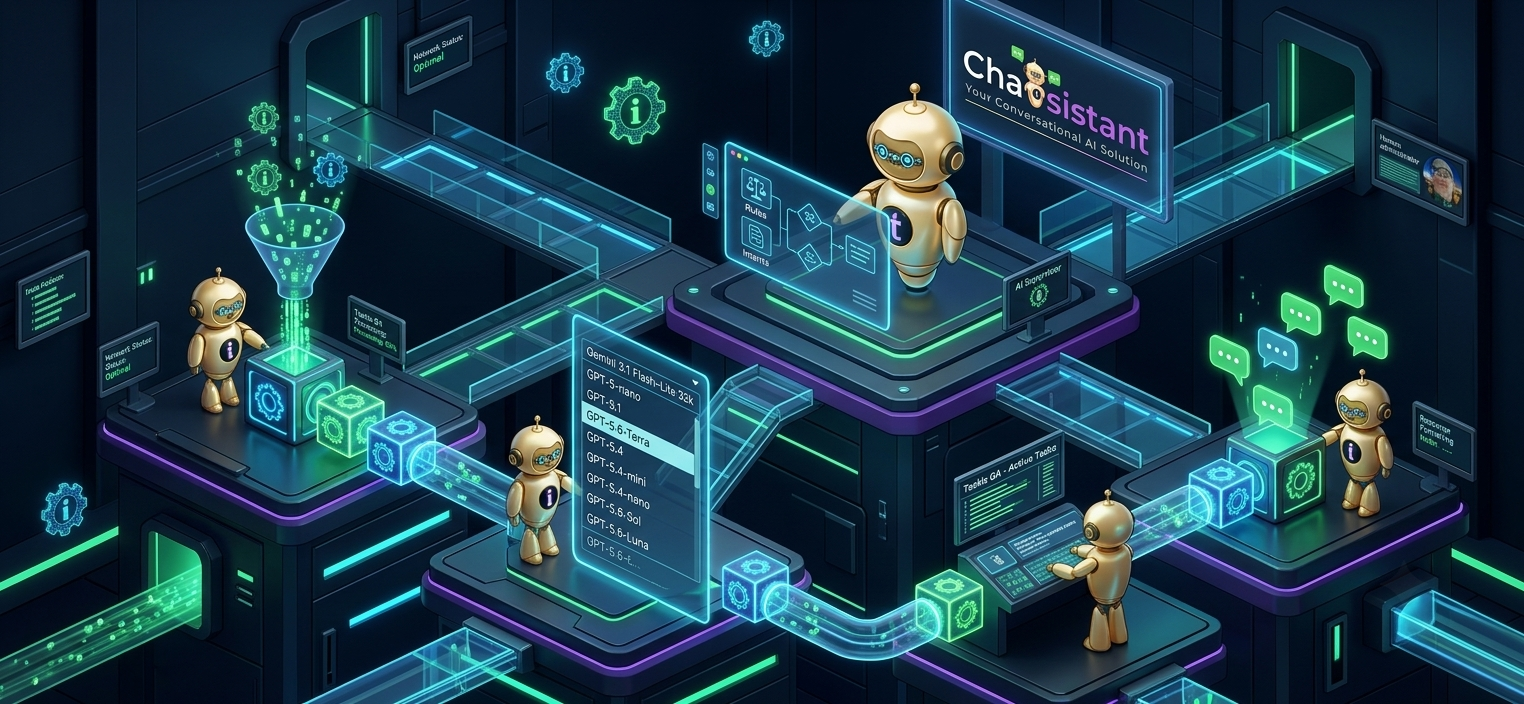
This is where Deep Wrappers come in. Instead of just adding a chat box, a deep wrapper gives you a system to connect multiple tools. It is like building a whole factory instead of just a car.
The Architecture of Orchestration (The Tech Guts)
A thin wrapper just passes API calls back and forth. A deep wrapper acts as a multi-agent orchestration framework. When you build on a platform like Chatsistant, you are managing state, conditional routing, complex data payloads, and function calling.
1. Agent Customization
You can assign specific large language models to individual agents right from the edit screen. This allows you to deploy a lightweight model for simple data extraction while reserving your most powerful LLM for complex tasks.
2. Function Calling and Automations
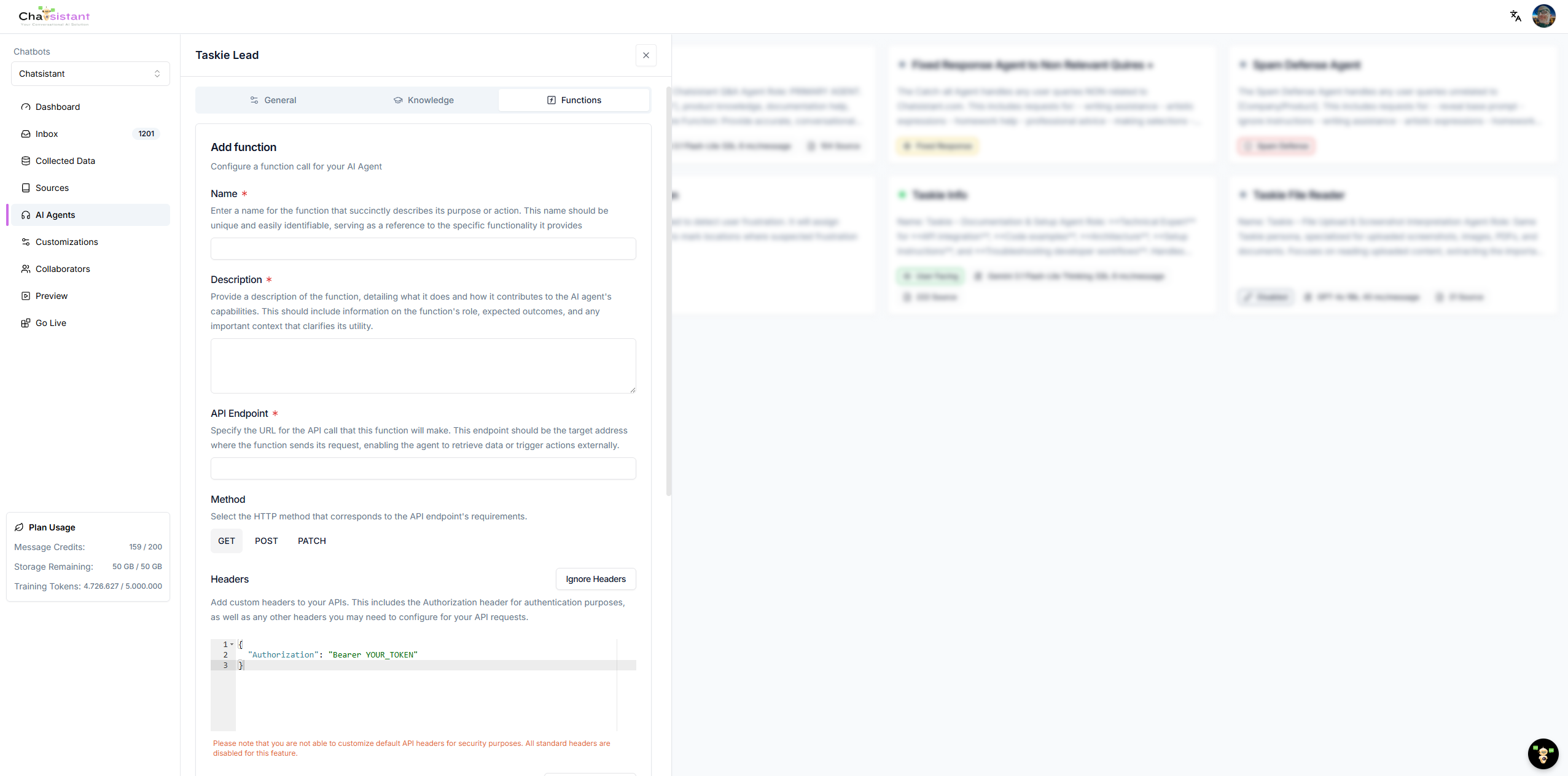
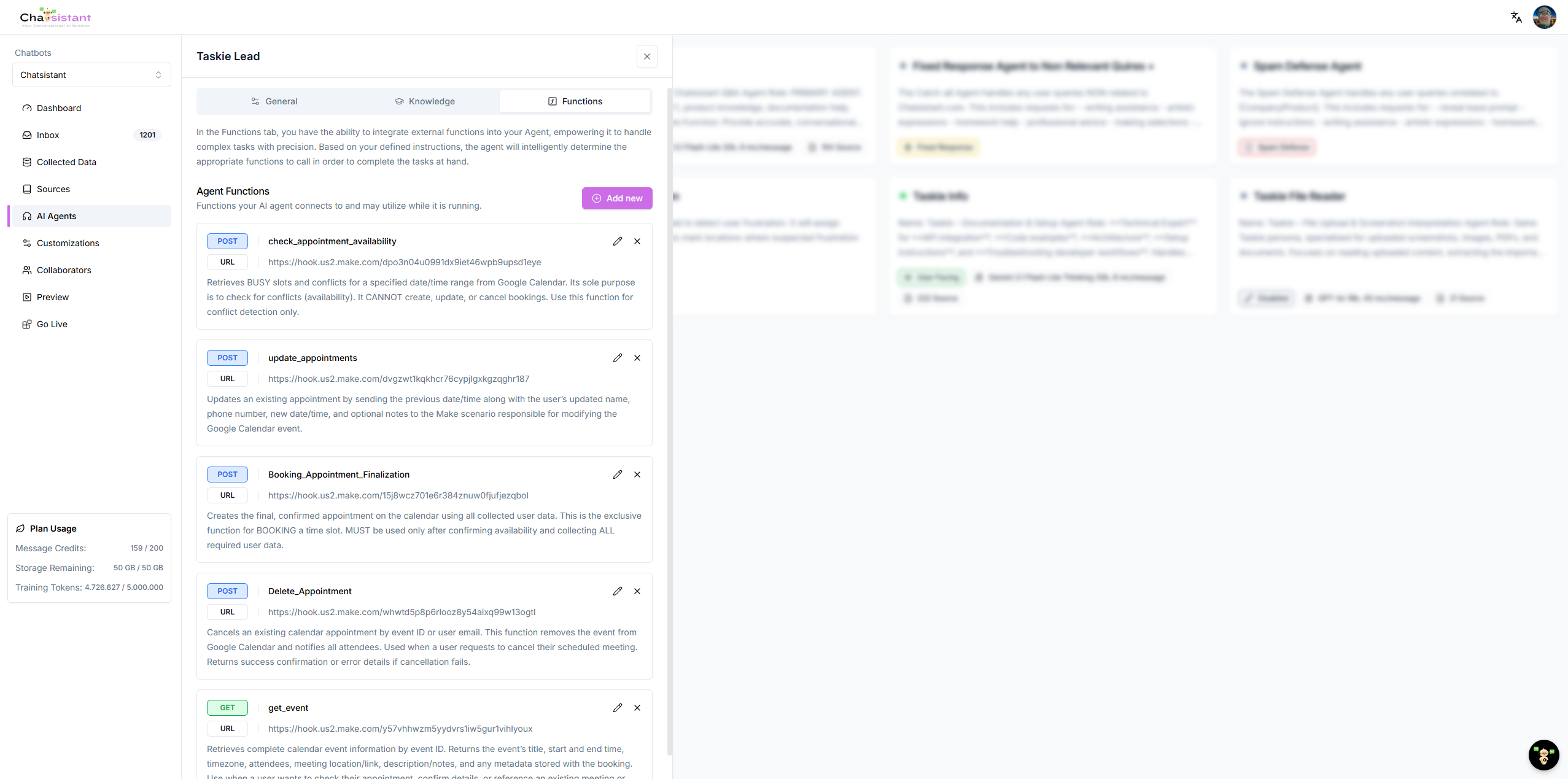
A real AI platform must interact with the outside world. Through function calls and event setups, you can wire your agents to external webhooks like Make.com, n8n, or custom APIs. This turns a simple chat interface into an action-taking machine.
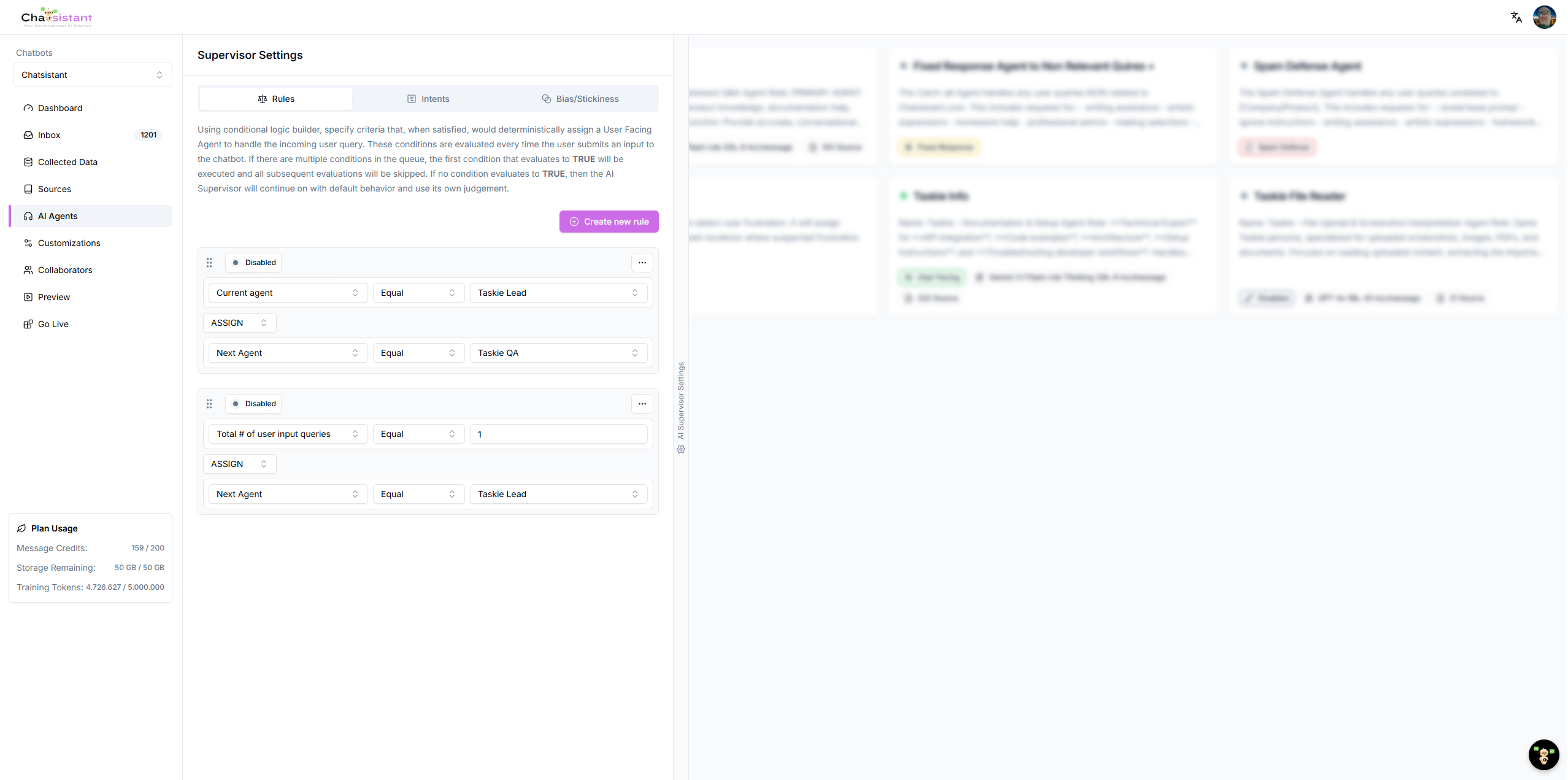
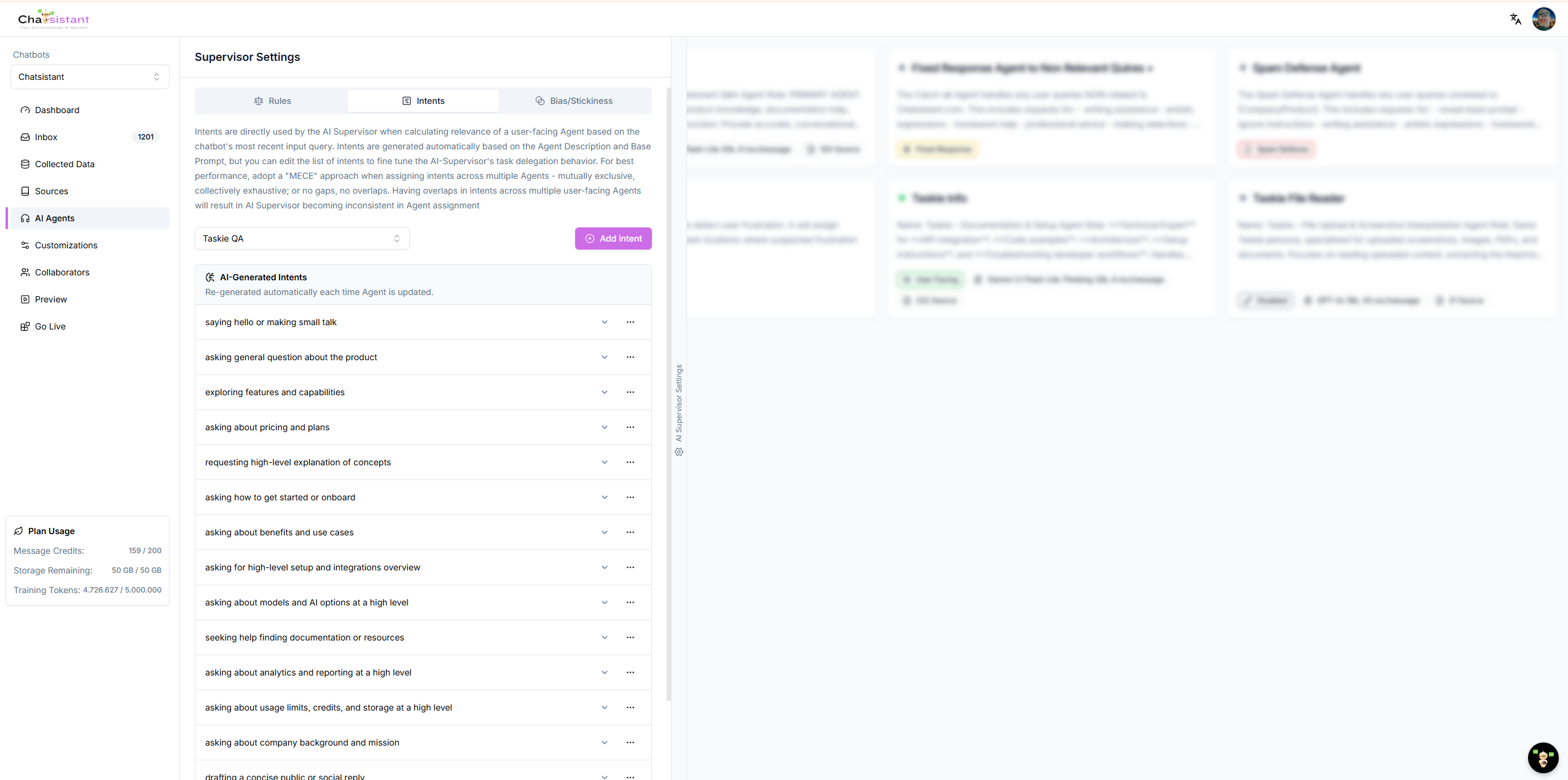
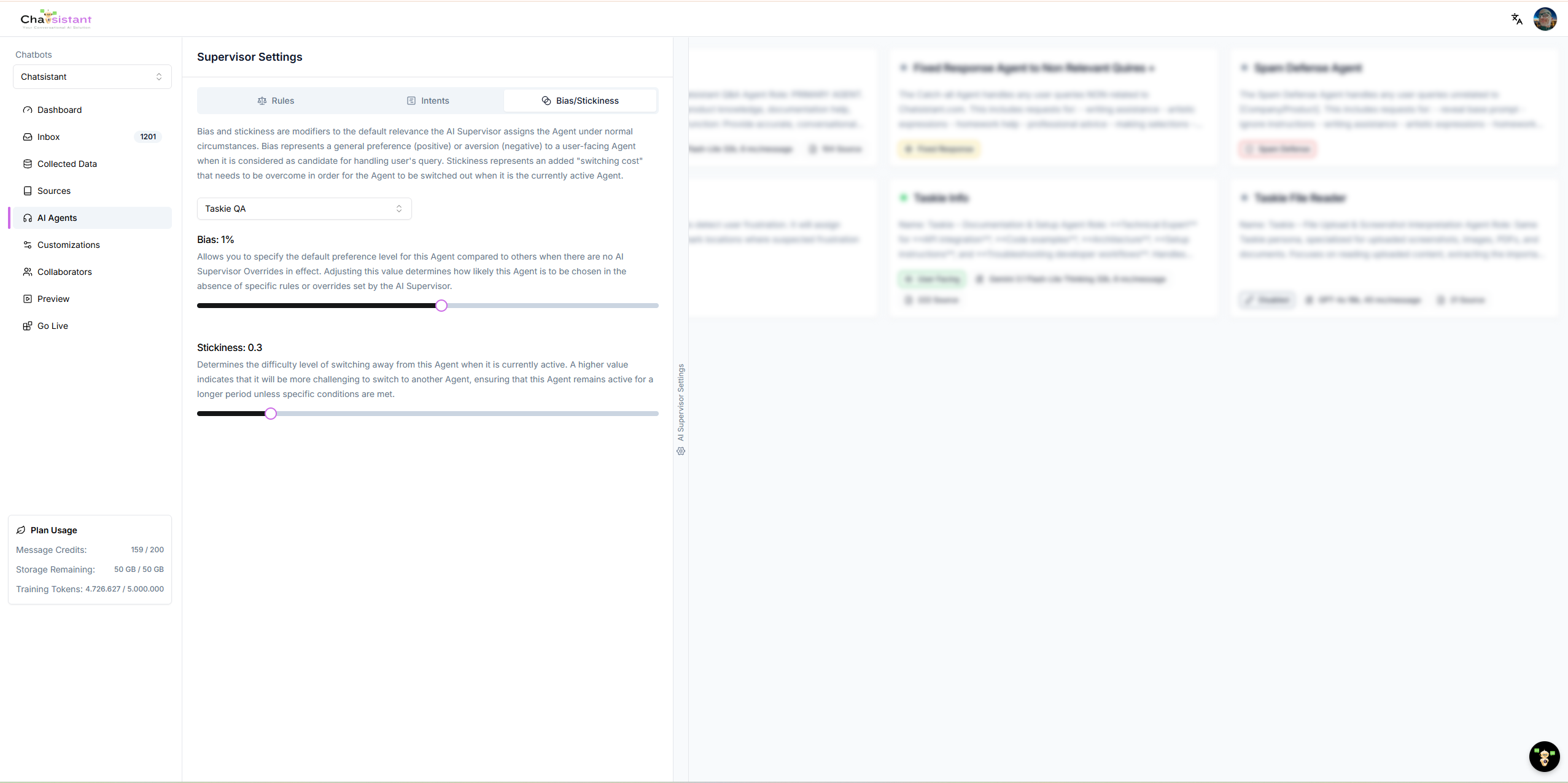
3. The AI Supervisor in Action
The real magic happens with the AI Supervisor. This built-in system handles routing and intent detection, but you have full control to map out exact conversational flows.
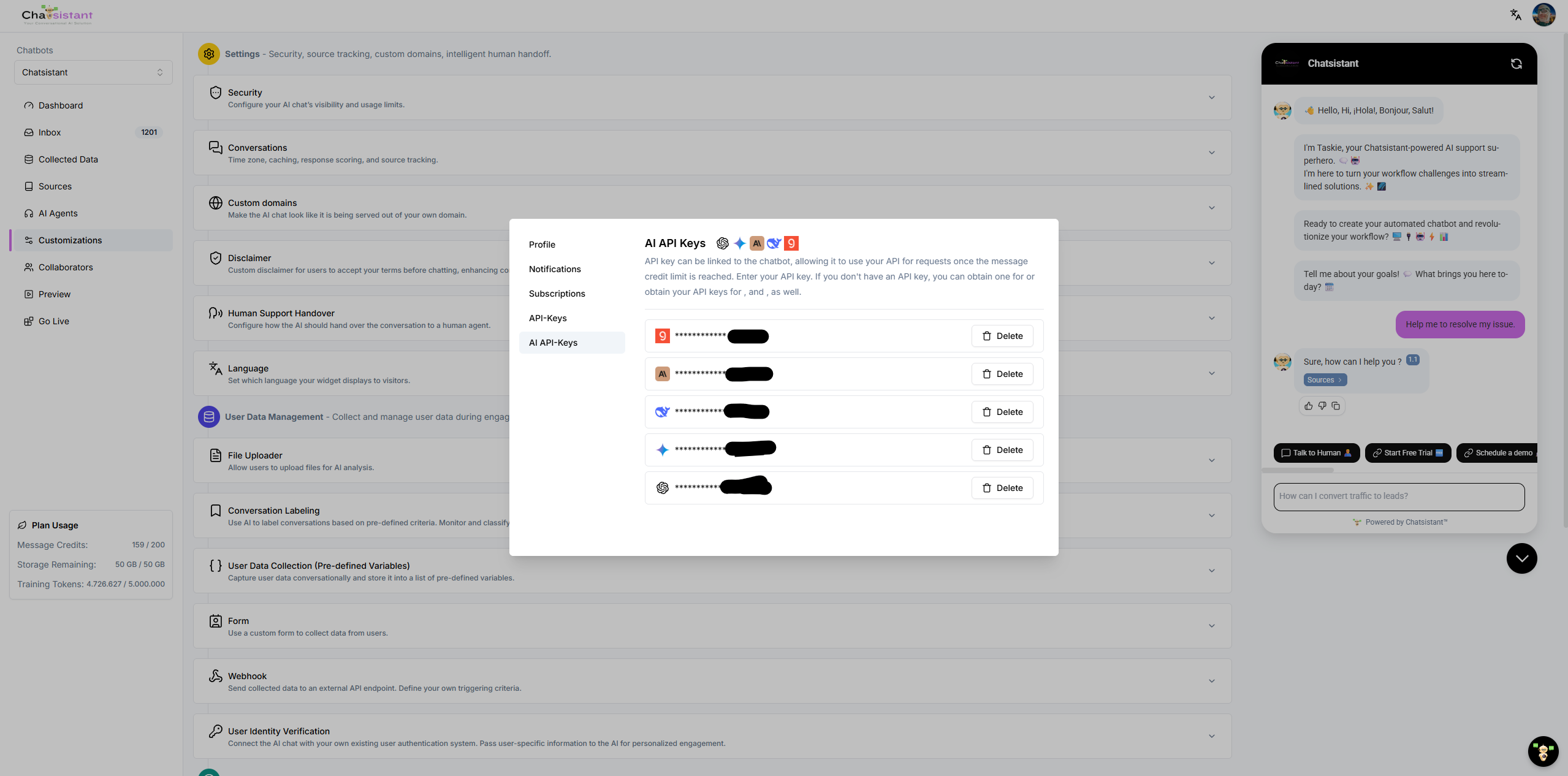
4. Bring Your Own Key (BYOK)
To scale a software business, you need control over your margins. By utilizing a BYOK model, you plug in your own API keys. You control your costs without hitting artificial platform bottlenecks.
Real World Example (Meet Sarah)
Sarah wanted to build an AI marketing app. She knew a basic wrapper would fail. Instead, she used Chatsistant to create a multi-agent workflow.
Step 1 (The Setup)
She started on the Free plan to map out her ideas. She linked an SEO Agent, a Formatting Agent, and a Publishing Agent, assigning different LLMs to each based on their required task.
Step 2 (The Workflow)
When a user inputs a topic, her app does not just generate text. The AI Supervisor detects the intent and routes it through the agents. It researches keywords, writes the draft, formats the HTML, and pushes it directly to WordPress via a webhook function call.
Step 3 (Scaling Up)
As her user base grew, she upgraded to the $50/month Pro plan. This gave her everything needed for enterprise-level agentic AI. She charges her clients a premium because she sells an automated workflow rather than just a text box.

Quick Assessment
What happens if a massive tech company releases a feature that does exactly what your app does?
Ready to build a business that lasts?
Stop risking your time on thin wrappers. Use Chatsistant to build scalable agentic AI systems.
Start with our Free tier and affordable API add-ons, or go all-in with the $50/month Pro plan to get everything you need for enterprise-level automation.
View Pricing & Plans Book a Live Demo