The Agentic Ecosystem
The future of building is here. Chatsistant is the ultimate no-code / low-code solution for absolute business automation. Say goodbye to hallucinations and "Genius Interns" that can't execute. Welcome to the era of agents that actually work.
Built for Absolute Accuracy & Scale
We solved the M × N integration nightmare. Discover how the underlying infrastructure of Chatsistant powers the future of AI, turning conversations into guaranteed operational output.
Chatsistant Native MCP
MCP is a standardized way for compatible AI clients to work with approved tools and context. Chatsistant now has its own native MCP connection layer, designed to let supported AI clients such as ChatGPT work directly with authorized Chatsistant resources instead of requiring a separate automation hub for basic Chatsistant control.
- Direct Chatsistant Control: Inspect supported chatbots, agents, sources, conversations, and other authorized resources from a compatible AI client.
- Scoped Permissions: Separate Read Only and Read + Write access keeps the user in control of what a connected AI client may do.
- Protected Actions: Supported write operations can use exact previews and approval controls before a change is executed.
- Open MCP Layer: The native connector complements, rather than replaces, APIs, webhooks, Make, Zapier, viaSocket, and other automation paths.
1M Token Brain Capacity & LLMs
An agentic framework is only as smart as the models powering it. We provide native access to the bleeding edge of Generative AI, optimized for massive data ingestion.
- Up to 1,000,000 Tokens: Feed entire codebases, legal records, or multi-day chat histories in a single prompt.
- DeepSeek & o1: Leverage advanced reasoning models for complex logic puzzles before executing tasks.
- Flash Models: Use Gemini Flash or GPT-4o-mini for lightning-fast, high-volume chat routing.
Zero Hallucination Architecture
Stop the AI from "guessing." We use an orchestration layer to force models to follow your exact business logic and output structured data.
- AI Supervisor: A master agent that orchestrates routing between sub-agents and enforces quality control.
- Chunk Curation (RAG): We surgically retrieve and inject only the most relevant text chunks so the AI never gets confused.
- Webhooks & Variables: Pass complex, stateful user data safely across the entire conversation flow.
Developer Arsenal: SDKs & APIs
Take your multi-agent workforce out of the browser and embed it anywhere. Chatsistant provides enterprise-grade tools for DevOps and engineering teams.
- Custom SDKs: Embed Chatsistant natively into your proprietary iOS, Android, or Web applications.
- Terminal CLI: Push bulk updates to agent personas, prompts, and knowledge bases directly from the command line.
- Native API & Webhooks: Included in the Professional plan, and easily available as an a-la-carte add-on for the Launch Free and Essentials plans so you can scale efficiently.
Test the Agentic Pulse
Experience how visual flows operate on platforms like Make or Zapier. Practice building your multi-agent architecture below.
The Visual Architect
This is a practice example of how you build workflows. Drag the correct modules into the track to complete the automation sequence.
Drag modules from here:
The Developer API Challenge
Pick a real-world scenario, choose Manual Code or Vibe Code, then build the right API move. Nothing is revealed unless the player clicks a hint.
1. Pick a Mission 🎯
Choose what the API needs to accomplish.
2. Choose Your Style 🧠
Manual Code is for builders. Vibe Code is for prompt-first operators.
Seamless Integrations for Effortless Automation
Chatsistant integrates with your favorite tools natively, empowering frictionless data flows.













More Integrations & Capabilities
Function Calling lets each agent take action. APIs connect Chatsistant to your systems.
🔗 Webhooks and Variables move conversation data into your workflows.








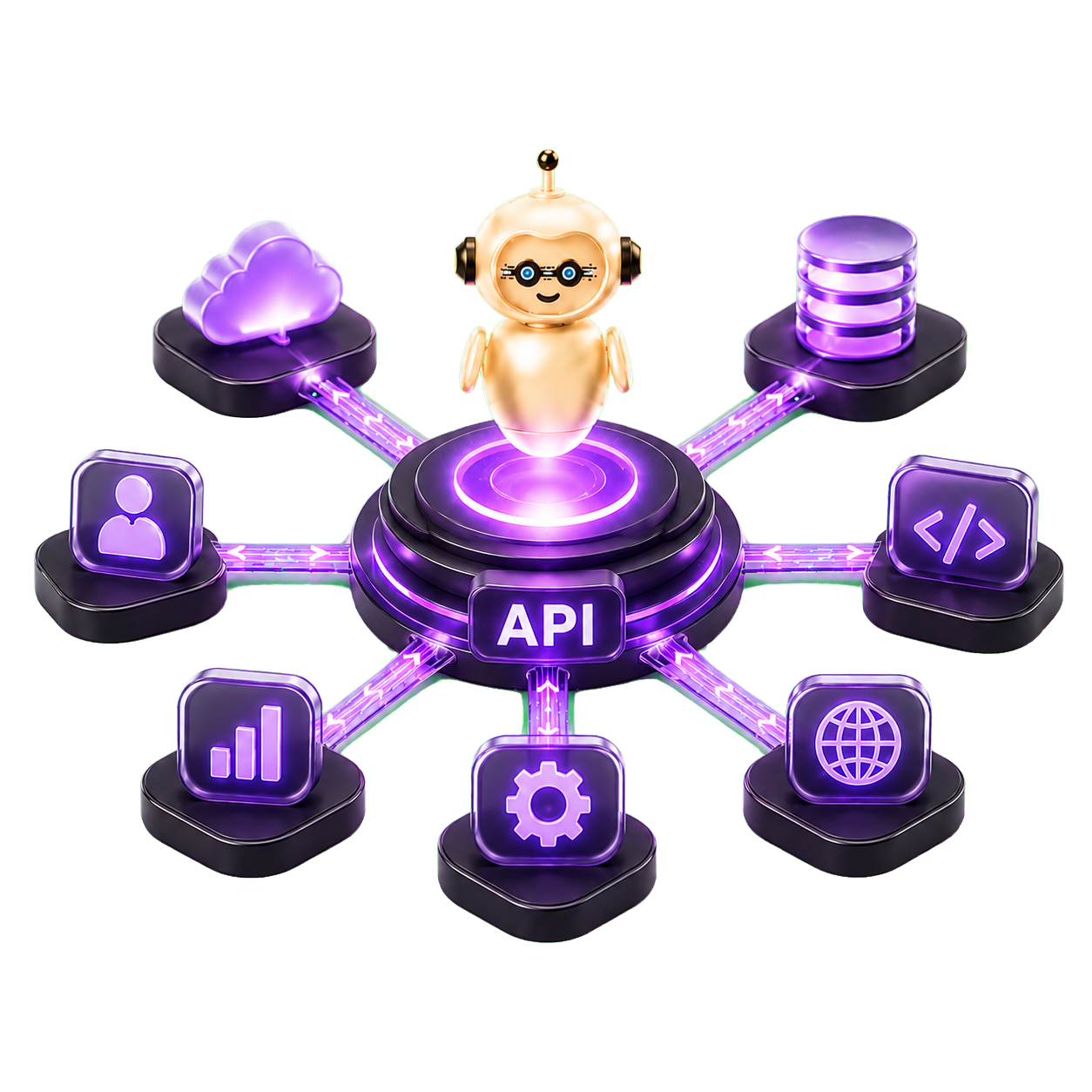


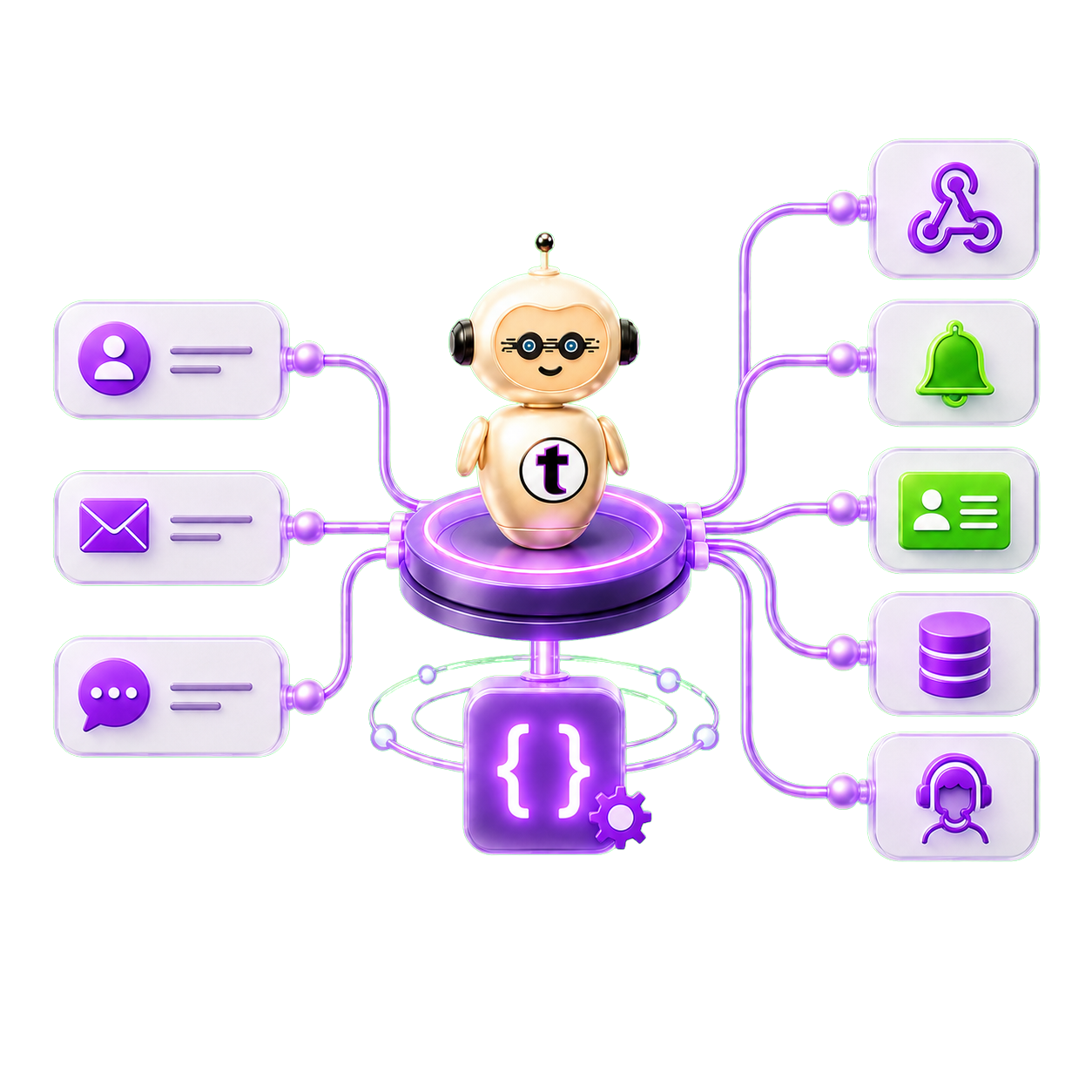
Endless possibilities via webhooks, API & function calls
Real Stories of Success
AI Solutions & The Possibilities.
"Chatsistant is a powerhouse tool for my business. My blueprint business has reached record high conversions since implementing AI via Chatsistant no-code framework. I am making a new bot now for my other business startups as well. I love this tool."

"Chatsistant has revolutionized my business by automating tasks and handling inquiries 24/7. It's helped us generate more leads, secure more bookings, and increase sales conversions. Scaling has never been easier with Chatsistant."

"I utilize Chatsistant to power the AI to my automation workflows such as lead collection, responding, and searching relevant trending data for my insights. I am working on leveraging it further to post on my behalf via Make and Zapier native integrations. I can do what I need done and accurately."

Add Your Chatsistant API Key & Power Real Workflows
Chatsistant is not just a chatbot layer. With API keys, native API access, webhooks, variables, function calls, RAG sources, chunk curation, AI Supervisor logic, and multi-agent orchestration, your agents can connect conversations to CRMs, dashboards, calendars, support tools, and custom business systems.
How to Get Your API Key
Use the guide on the right to walk through the exact setup flow visually. Flip through each step, click any screenshot to pop it out, zoom in, and inspect the details.
Access the Hub
Access the Hub
Account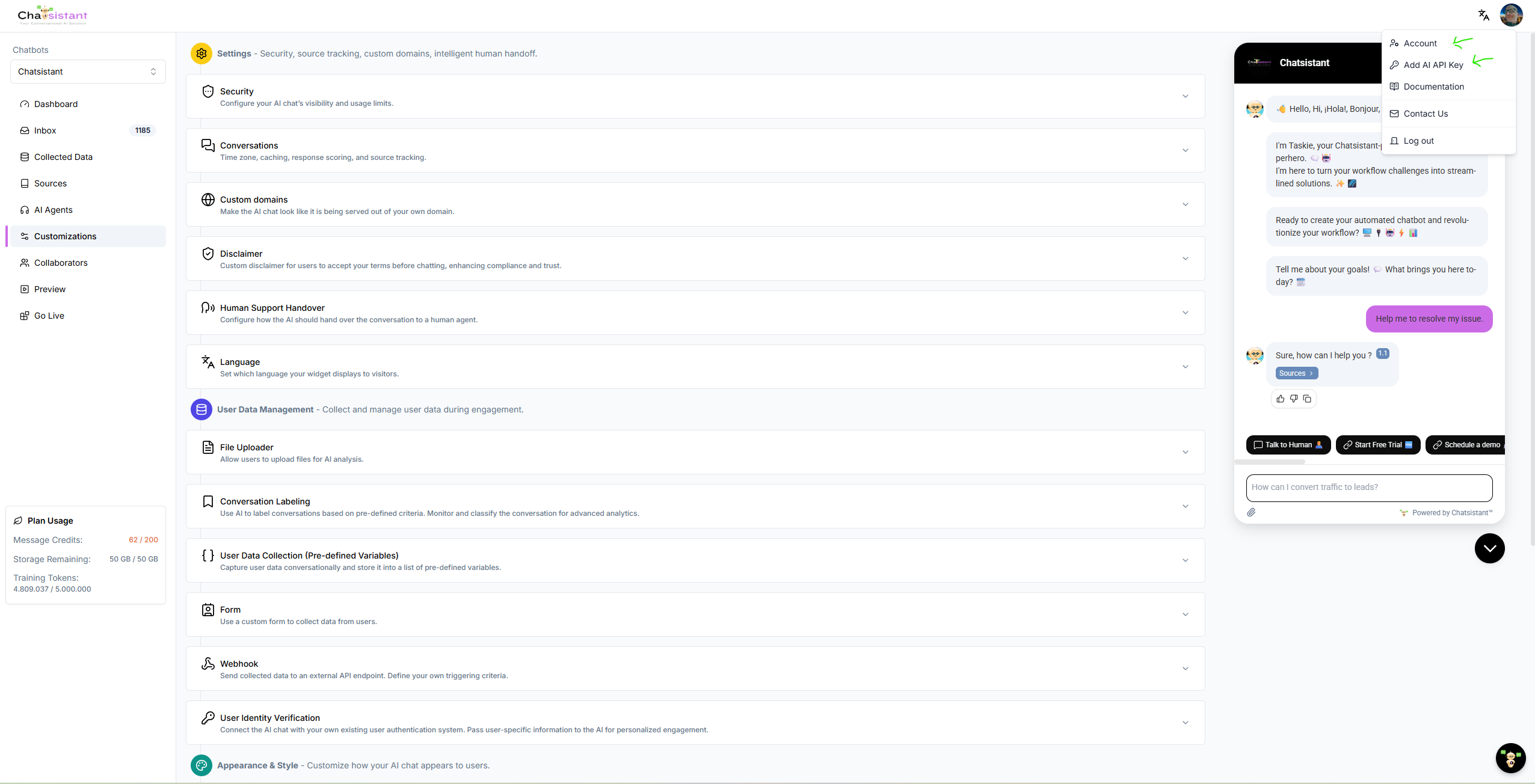
Click your profile dropdown in the top-right corner and select Account. This is your mission control for API access and account-level keys.
// Example API request structure
curl --location --request POST \
'https://app.chatsistant.com/api/v1/chatbot/{uuid}/agent/create' \
--header 'Content-Type: application/json' \
--header 'Authorization: Bearer YOUR_API_KEY' \
--data-raw '{
  "name": "Sales_Agent",
  "type": "user-facing",
  "prompt": "You qualify leads and route actions.",
  "model": "gpt-5-mini"
}'
Native Chatsistant MCP
Chatsistant's native MCP layer gives compatible AI clients a direct, permission-scoped way to work with authorized Chatsistant resources. For ChatGPT, this is a different path from the standard developer API-key workflow shown above: the connector is designed around an authorized connection with Read Only or Read + Write scope and protected write actions.
SDK Concepts
SDK-style automation is best for developers, SaaS builders, and technical teams that want code-level control. It can support stricter logic, reusable patterns, error handling, deeper API requests, and more predictable workflows.
CLI Concepts
CLI workflows are useful for terminal users who want to test, inspect, deploy, or run actions quickly. Developers and technical operators use CLI-style tools for prototyping, debugging, and repeatable commands.
Function Calling
Function calls let a Chatsistant agent trigger a specific action when the conversation reaches the right intent. This is where variables, webhooks, API calls, and agent routing become real business automation.
Why This Matters for Multi-Agent Automation
A strong automation setup is not only about connecting apps. It is about deciding which agent should act, what source knowledge it should trust, what variables it should collect, and what action it should trigger. With Chatsistant, you can combine RAG knowledge, curated chunks, AI Supervisor logic, lead routing, function calling, API keys, and webhooks so each agent does its job with more speed, accuracy, and control.
- Q&A agents can answer from curated RAG sources and route deeper tasks.
- Lead agents can collect variables and trigger CRM or calendar workflows.
- Info/technical agents can support setup instructions, code snippets, and documentation workflows.
- AI Supervisor logic can help route user intent to the right agent or action path.
When to Use API, Webhooks, MCP, SDK, or CLI
Some teams only need simple webhooks. Some prefer automation platforms like Zapier, Make, viaSocket, Pipedream, Integrately, Boost.space, or Activepieces. Chatsistant's native MCP layer is different: it gives compatible AI clients a direct path into authorized Chatsistant tools and resources. Technical teams may also use SDK-style code workflows or CLI-style command workflows. The best setup is often hybrid: use the simplest safe option for each agent and each use case.
- Use webhooks for fast event-based handoff and variable delivery.
- Use native API access for custom dashboards, app logic, and direct integrations.
- Use Chatsistant Native MCP when a compatible AI client such as ChatGPT needs permission-scoped access to authorized Chatsistant tools, context, or supported actions.
- Use SDK or CLI-style workflows when developers need stronger control, testing, or automation from code/terminal environments.
Popular API Uses
Create agents, connect custom apps, sync lead data, power dashboards, update systems, trigger workflows, connect CRMs, and give each agent its own secure action path.
Popular Webhook Uses
Capture variables, send form data, notify teams, update CRMs, book appointments, create tickets, route leads, and move conversation data into reliable business workflows.
FAQ: API Keys, Webhooks, MCP, SDKs, CLI & Agent Automation
Tap a question to open it. The opened answer centers itself naturally so visitors stay focused instead of getting pushed down the page.
Before MCP (The M × N Nightmare): In software engineering, "M × N" means if you have M AI models (like Claude, Gemini, DeepSeek, OpenAI = 4) and N data sources (like Slack, GitHub, Salesforce, Notion, Drive = 5), you have to build a separate connection for every possible combination (4 × 5 = 20 custom, brittle API connectors). As you add more models or tools, the workload multiplies exponentially.
After MCP (The Chatsistant Way): It becomes simple addition (M + N). You build one standardized MCP server for a tool. Suddenly, every major LLM can securely access your data instantly without writing bespoke glue code.

Seamless Integrations for Effortless Automation
📢 Chatsistant integrates with your favorite tools, empowering effortless automation.


If you build it, Chatsistant will come! ✨
Start Building
More Integrations
More ways to connect Chatsistant to your stack.